Ableton Extensions
Ableton Live Extensions made by KOOBCeW
Ableton Extensions
This project collects all the Ableton Extensions made by KOOBCeW.
Setup
- In Ableton Live, open Settings → Extensions.
- Load the extension's
.ablxfile. - Restart Ableton Live.
- Right-click on a MIDI or audio track (in Session View / Clip View or Arrangement View) to open the context menu.
- Select the desired extension, e.g. Bento Kick: Fresh Meal.
When bouncing/exporting sounds, the extension renders the audio and places the resulting clip(s) directly on the selected track or clip slot — no extra steps needed.
Available extensions:
Bento Kick
synthesizes fully shaped kick drums directly inside Ableton Live, with 14 parameters covering pitch envelope, feedback FM, phase distortion, sub oscillator and noise driven transient shaping.
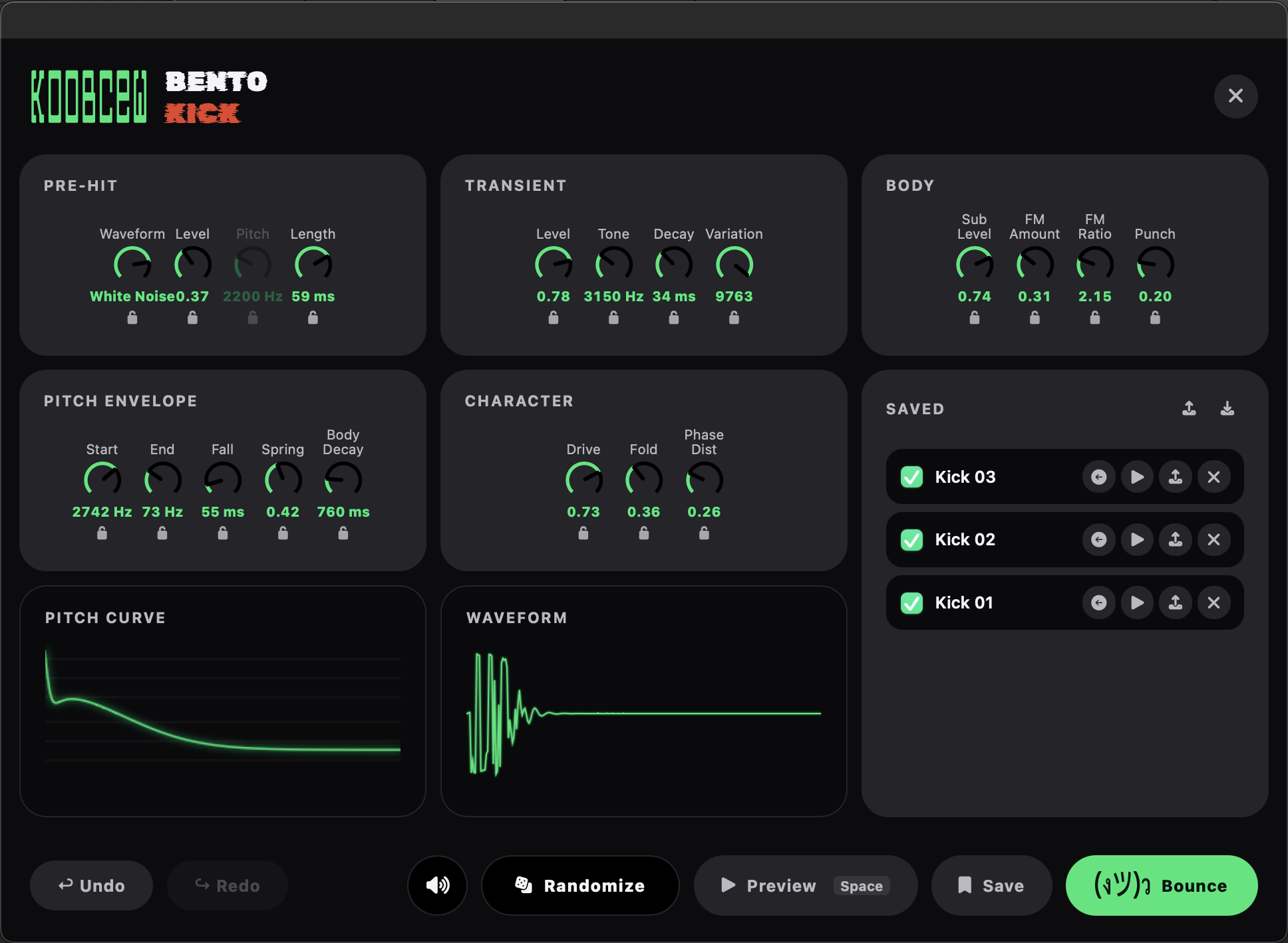
Download: Releases
Bento Clap & Snare
synthesizes claps and snares directly inside Ableton Live, shaping multi-burst noise patterns, a noise tail and a tonal body, with controls for burst count/spacing/spread, tone, bandwidth, decay, drive, fold and pre-hit.
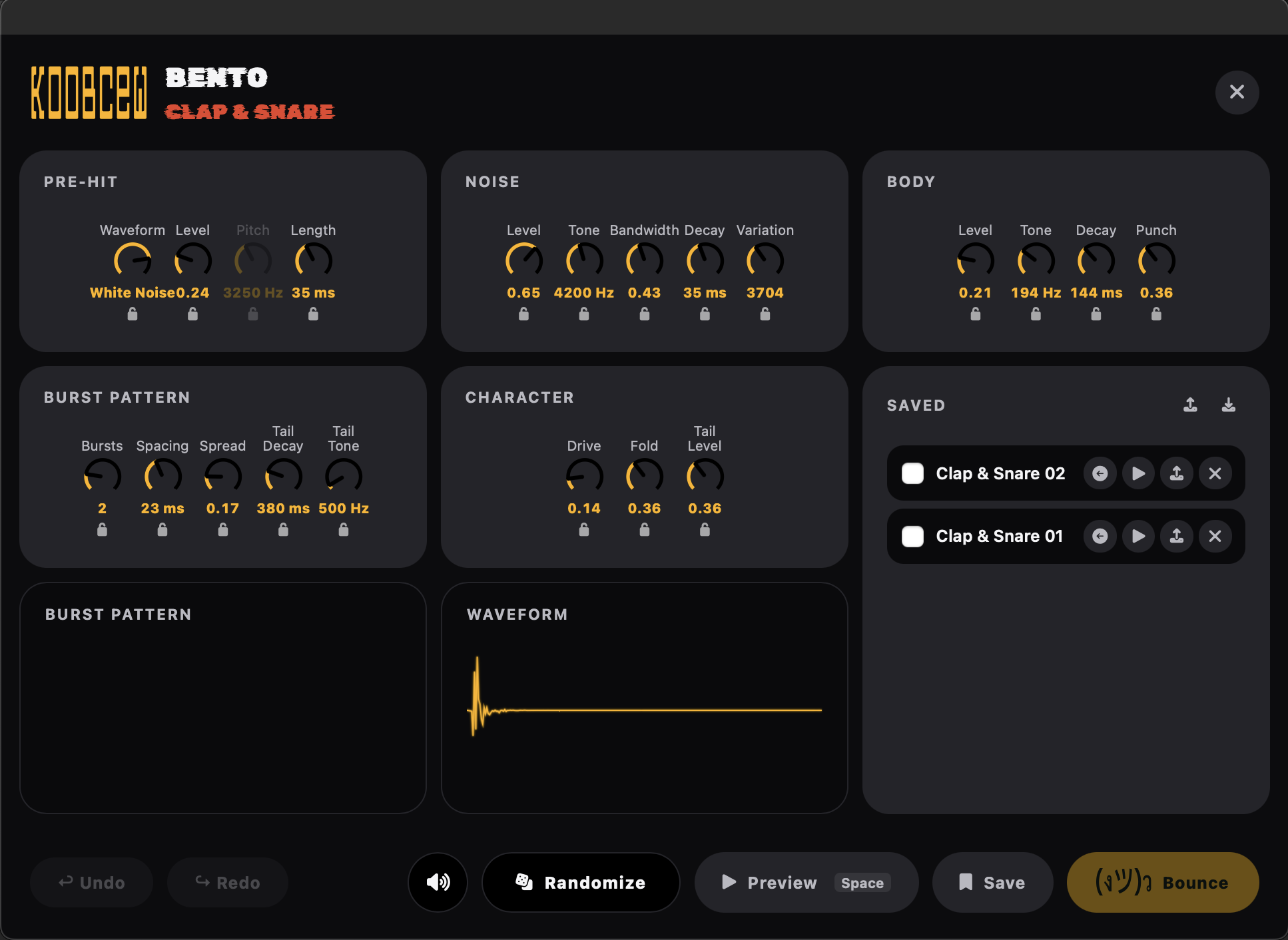
Download: Releases
Rate this extension
One rating per account; you can change it any time.
Comments
No comments yet.