Duplicate Track
v0.0.7Duplicates a track and removes all clips from the duplicate
 Federico P.
README · rendered from GitHubView source
Duplicate Track
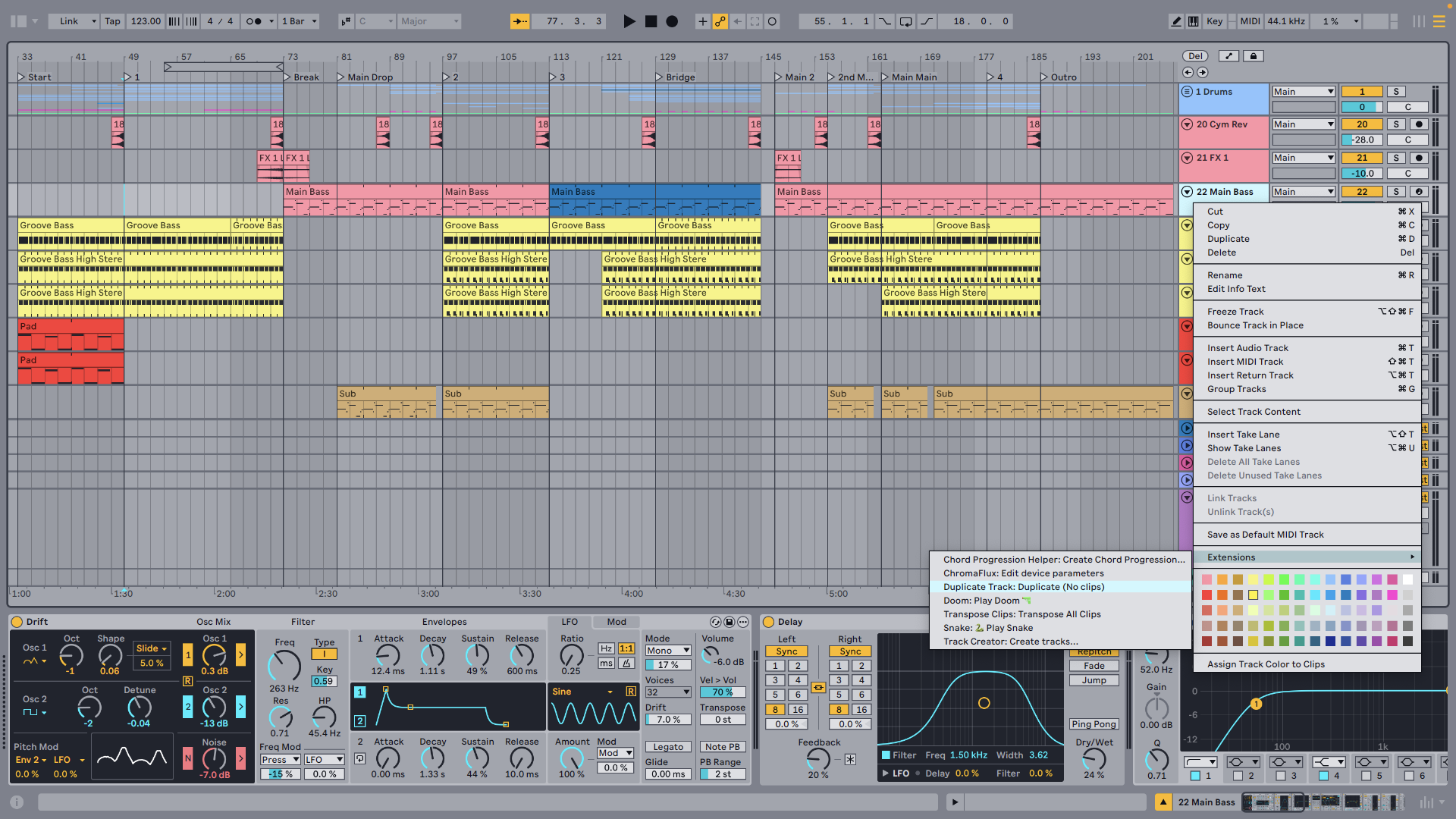
Duplicates an audio or MIDI track without copying its clips.
Features
- No clips — Copies the track configuration (devices, routing, settings) but clears all clips from session and arrangement views
- Works on both track types — Audio and MIDI tracks
- Preserves setup — Device chain, input/output routing, and track parameters are all copied
How to use
- Right-click any Audio Track or MIDI Track.
- Select Duplicate (No clips).
- A new track appears with the same configuration but no clips.
Rate this extension
One rating per account; you can change it any time.
No ratings yet — be the first
Comments
No comments yet.