random-bpm
v1.0.0Random BPM Extension for Ableton Live 12
 Benjamin Goodheart—No ratings yet
README · rendered from GitHubView source
random-bpm
An Ableton Live extension built with @ableton-extensions/sdk.
Get Started
Download the latest version of the extension from the releases page
Installation
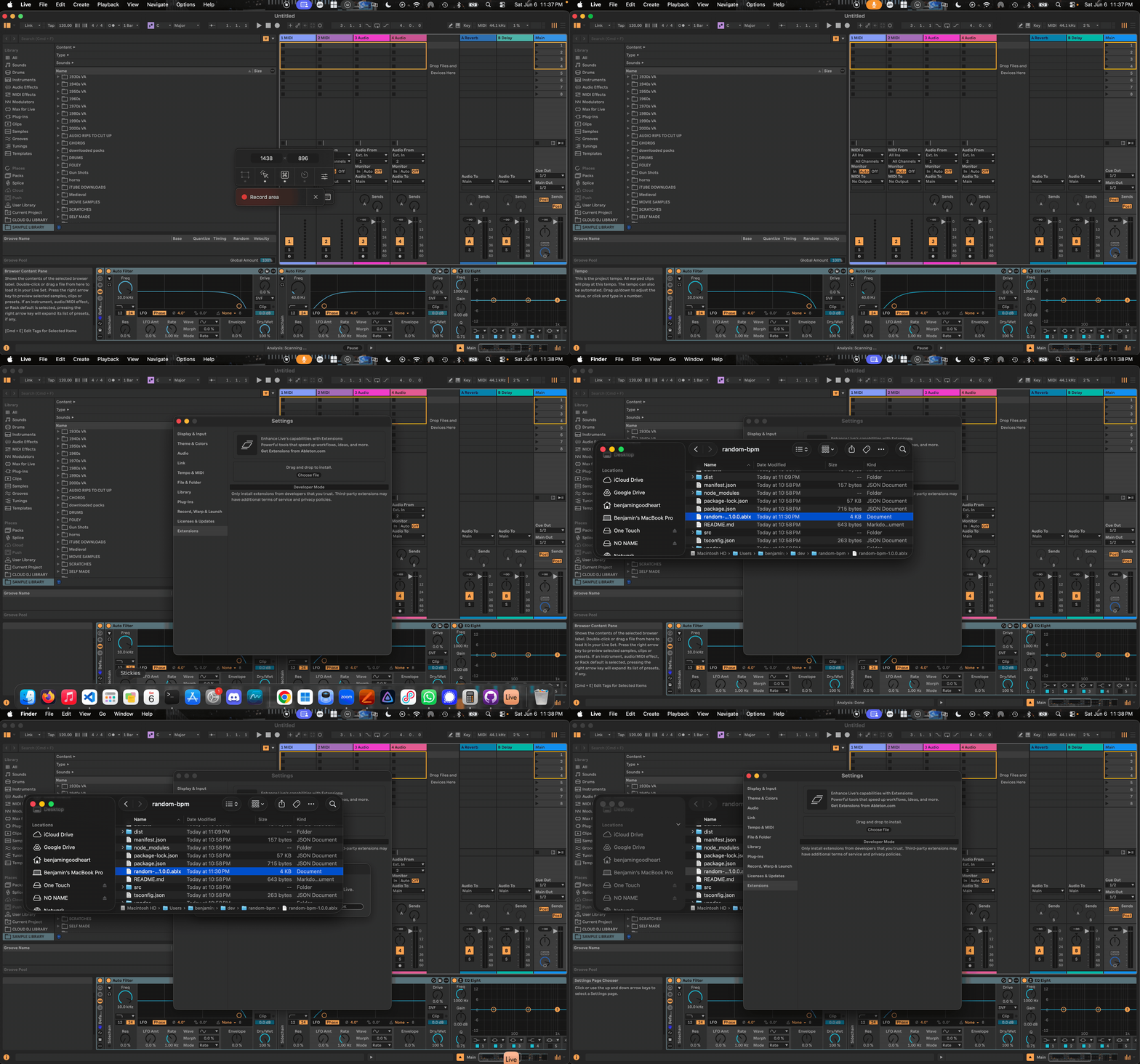
In Live, go to Settings > Extensions, then drag and drop the .ablx file into the window. Restart live.
Usage
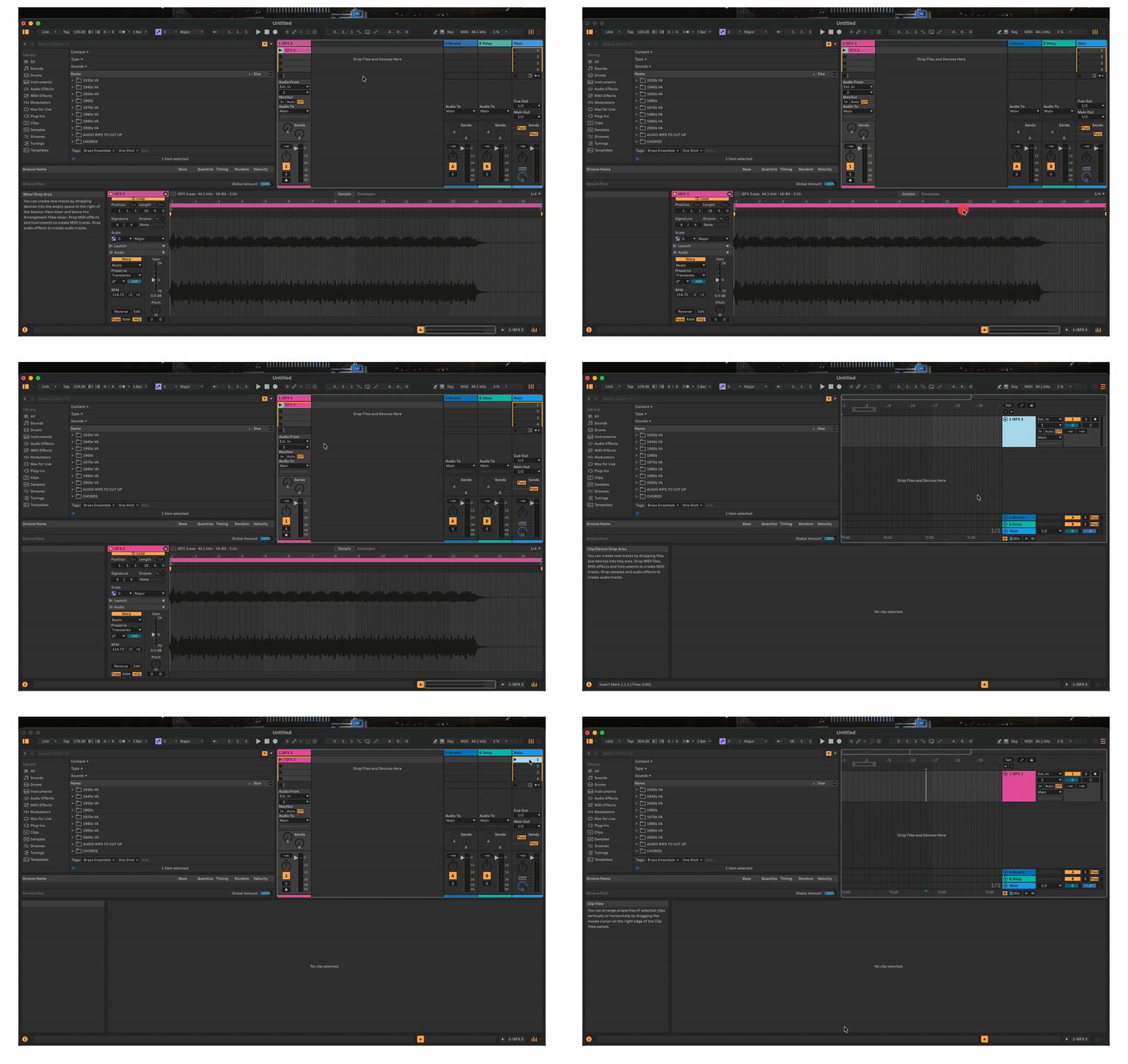
To randomize your BPM, right click an audio track, audio clip, midi track, midi clip, or scene and find the Extensions option in the menu. Then click random-bpm: Randomize BPM option
Rate this extension
One rating per account; you can change it any time.
No ratings yet — be the first
Comments
No comments yet.