Track Creator
v0.0.6Creates multiple audio or MIDI tracks at once from a simple dialog.
 Federico P.
README · rendered from GitHubView source
Track Creator
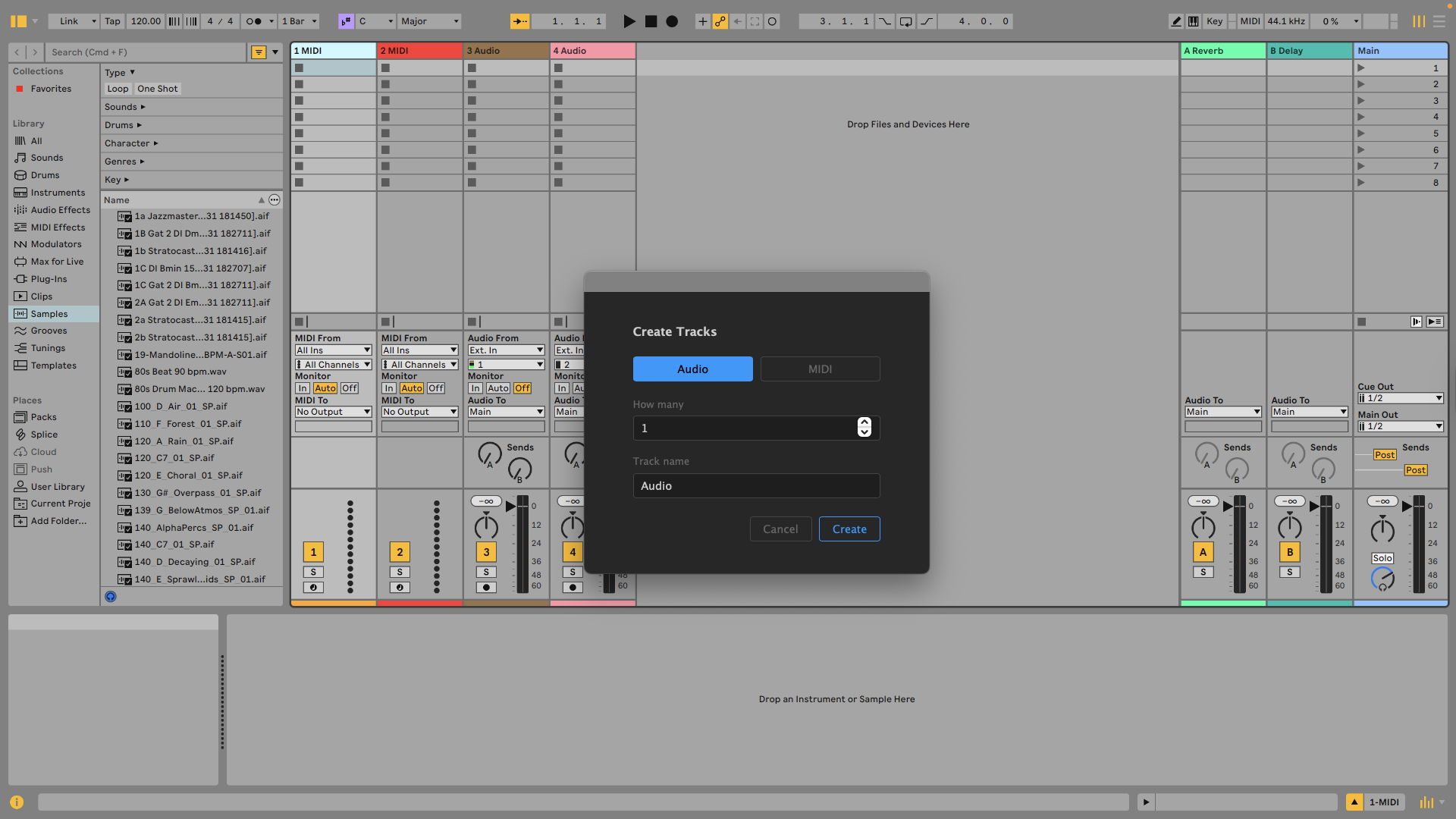
Creates multiple audio or MIDI tracks at once from a simple dialog.
Features
- Batch creation — Create 1–64 tracks in a single action
- Audio or MIDI — Choose the track type for the entire batch
- Auto-naming — Single tracks get the exact name entered; multiple tracks are numbered automatically (e.g., "Drums 1", "Drums 2")
How to use
- Right-click any Audio Track or MIDI Track and choose Create tracks….
- Select the track Type (Audio or MIDI).
- Set the Count (1–64) and enter a Name.
- Click Create. New tracks appear at the end of the track list.
Rate this extension
One rating per account; you can change it any time.
No ratings yet — be the first
Comments
No comments yet.