Transpose Clips
v0.1.0Transposes every MIDI clip in the Live Set by a chosen number of semitones, with a cancellable progress dialog.
 Federico P.
README · rendered from GitHubView source
Transpose Clips
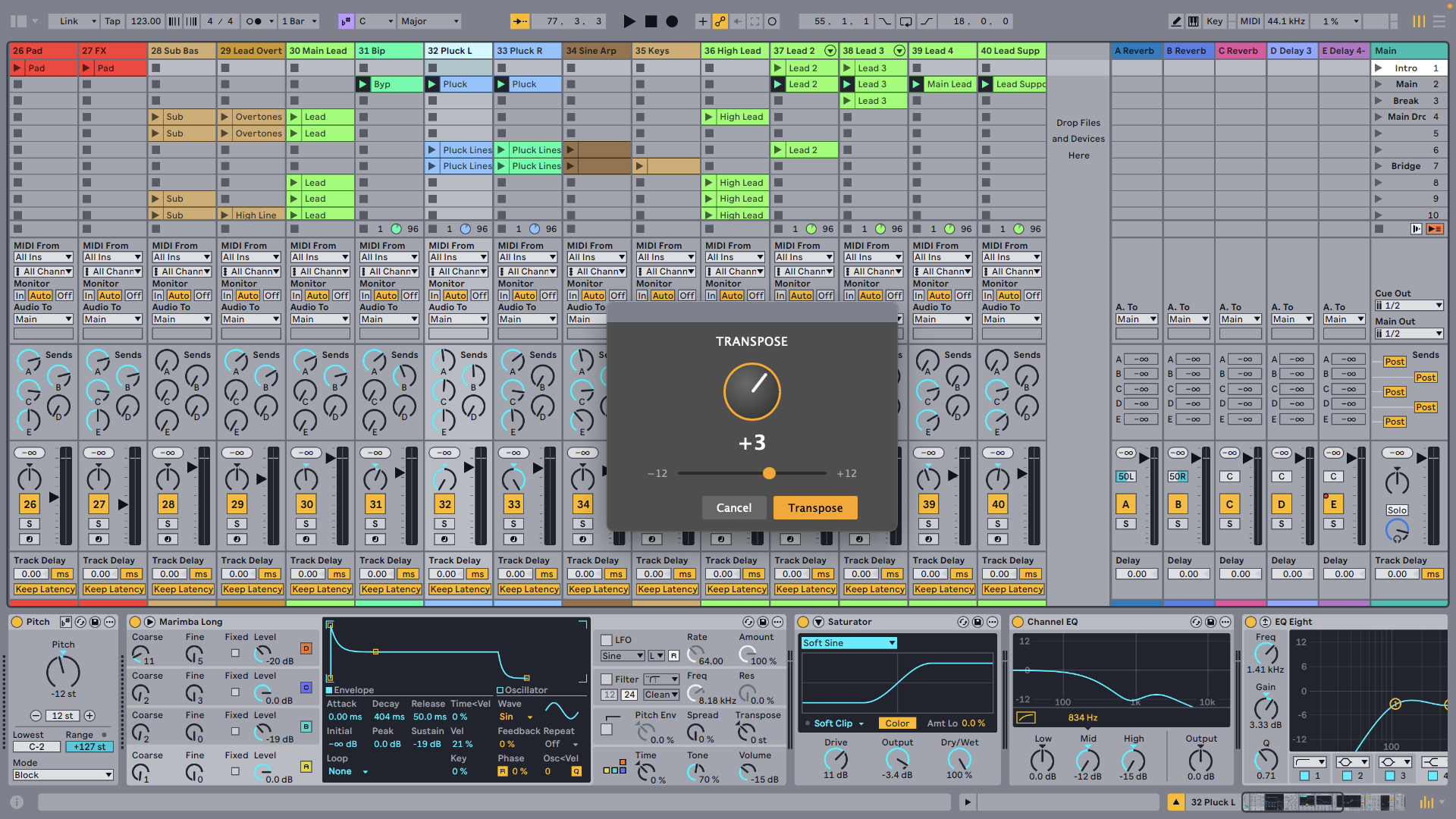
Transposes every MIDI clip in the Live Set by a chosen number of semitones, with a cancellable progress dialog.
Features
- Global scope — Transposes all MIDI clips across all tracks, in both Session and Arrangement View
- Semitone precision — Positive values transpose up, negative values transpose down
- Cancellable — Stop mid-run with the × button in the progress dialog
- Undo-friendly — All changes are grouped for a single undo step
How to use
- Right-click any track or clip and choose Transpose All Clips.
- Enter the number of semitones (positive = up, negative = down).
- Click Transpose. A progress bar tracks the operation.
- Press Cmd+Z to undo all changes in one step.
Note: Audio clips cannot be transposed — the operation applies to MIDI clips only. Pitches are clamped to the valid MIDI range [0–127].
Rate this extension
One rating per account; you can change it any time.
No ratings yet — be the first
Comments
No comments yet.